Simulation
Startup and Shutdown Procedure
Launch TobasGCS, load tobas_f450.TBS, and open Simulation from the tool button.
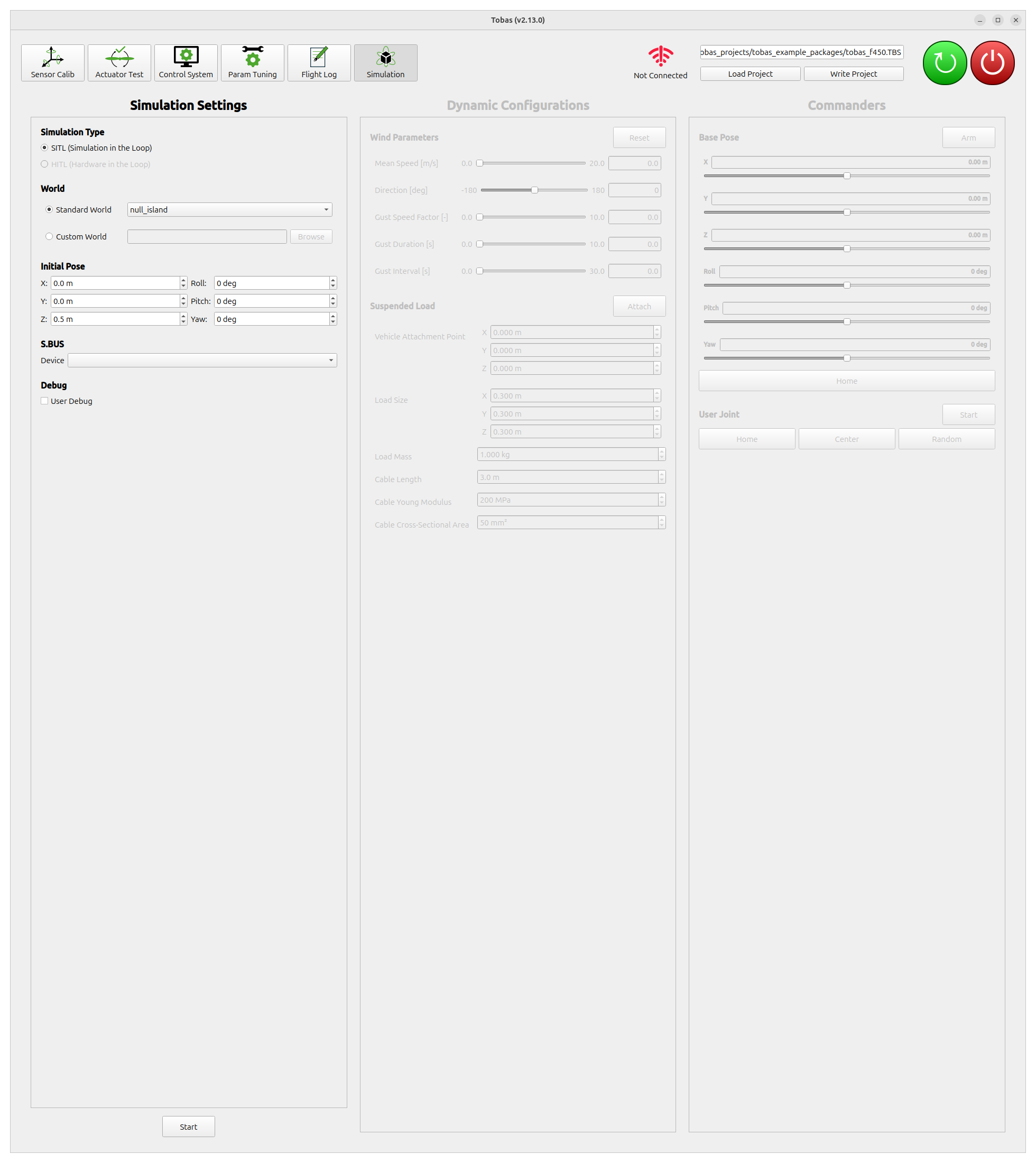
Click Start to build the project and then start the simulation.
The first launch may take some time because environment data needs to be downloaded.
Depending on the complexity of the environment and your network conditions, it will usually start within 10 minutes at most.
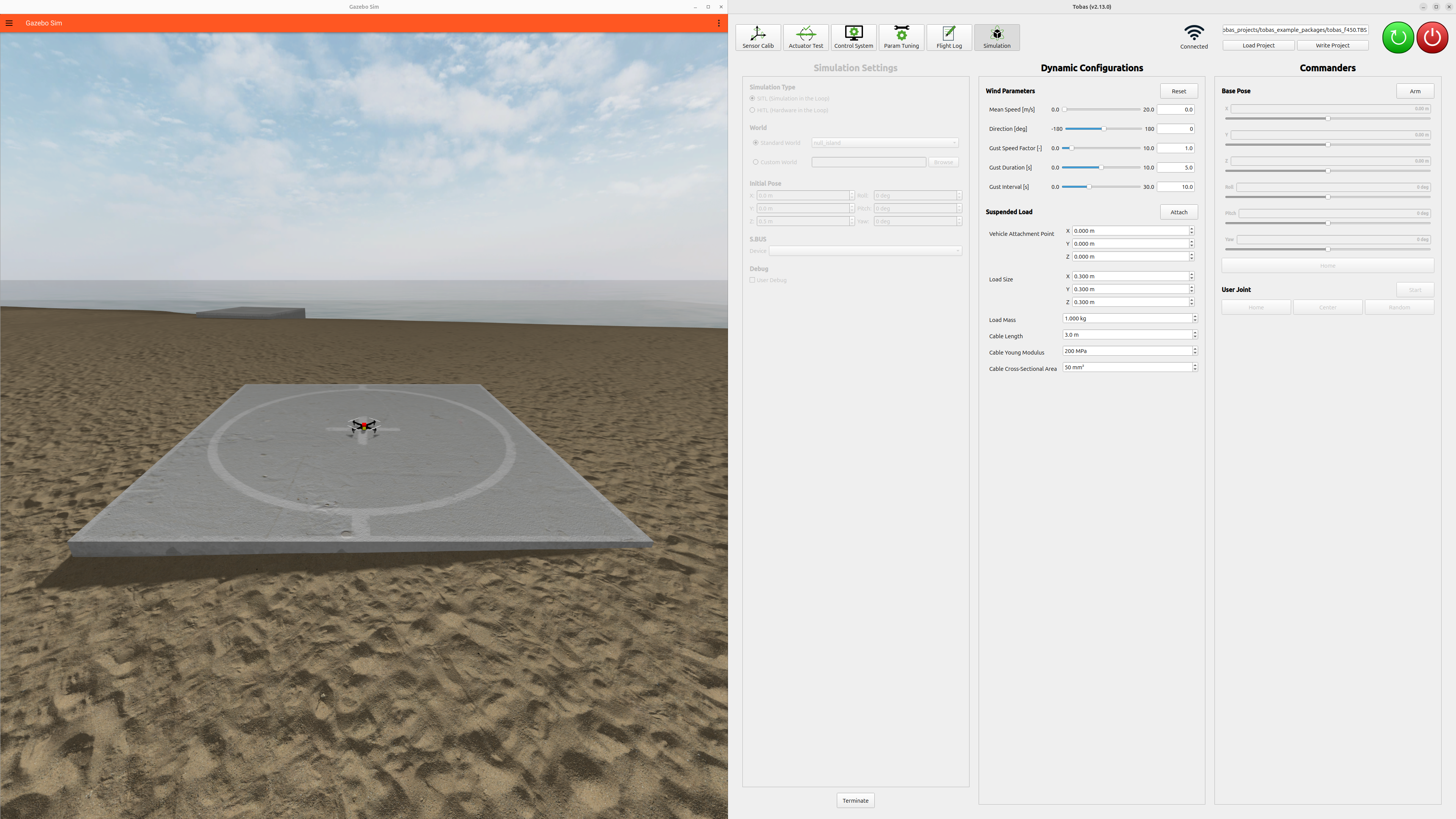
You can configure environmental settings such as wind speed from Dynamic Configurations, and send commands to the vehicle from Commanders.
You can also perform mission planning and parameter tuning introduced in Flight Test, just as you would on the real vehicle.
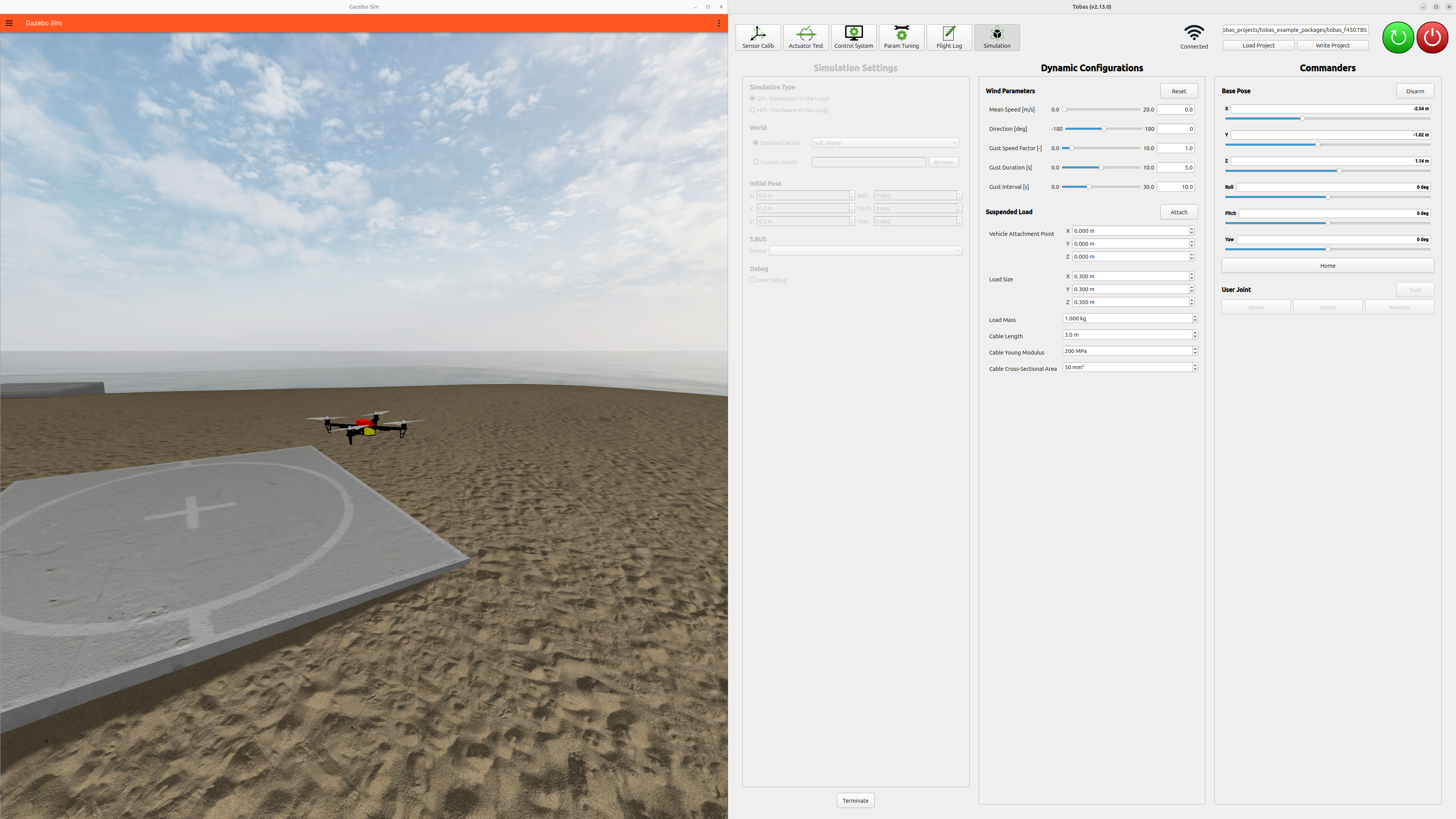
Click Terminate to end the simulation.
Operation with an RC Transmitter
You can operate the vehicle in the simulation using an RC transmitter. Since the RC calibration results saved on the PC are used, complete the calibration on your PC before proceeding with the steps below.
- Prepare a USB-to-serial conversion module such as FTDI FT234X.
- Configure the USB-to-serial conversion module to invert High and Low.
- Connect the USB-to-serial conversion module to the PC and the RC receiver.
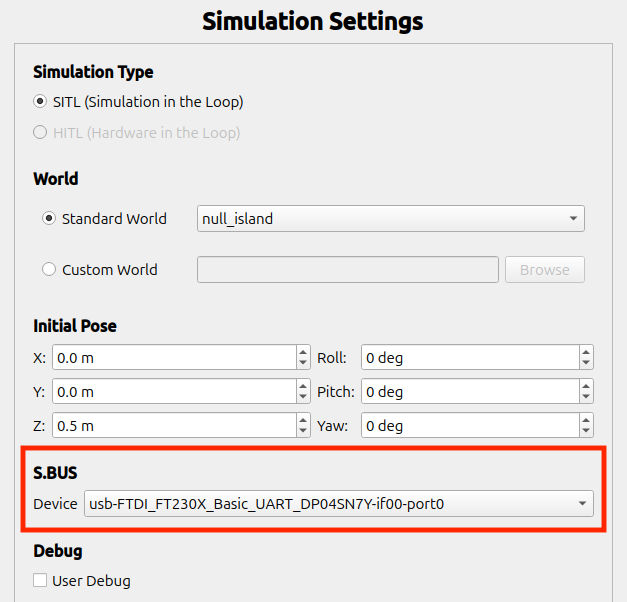
- Select the device you are using from the
S.BUS/Devicefield inSimulation Settings. - If the transmitter signal appears in
Control System, the setup is successful. You can then operate it just as you would on the real vehicle.
Operation via ROS
Since communication between all components that make up the flight controller is handled through ROS (ROS 2 Jazzy), users can control the vehicle from their own programs. For details, see User Code (Python) and User Code (C++).