Simulation
Starting and Stopping
Launch Tobas GCS, load tobas_f450.TBS, and open Simulation from the tool buttons.
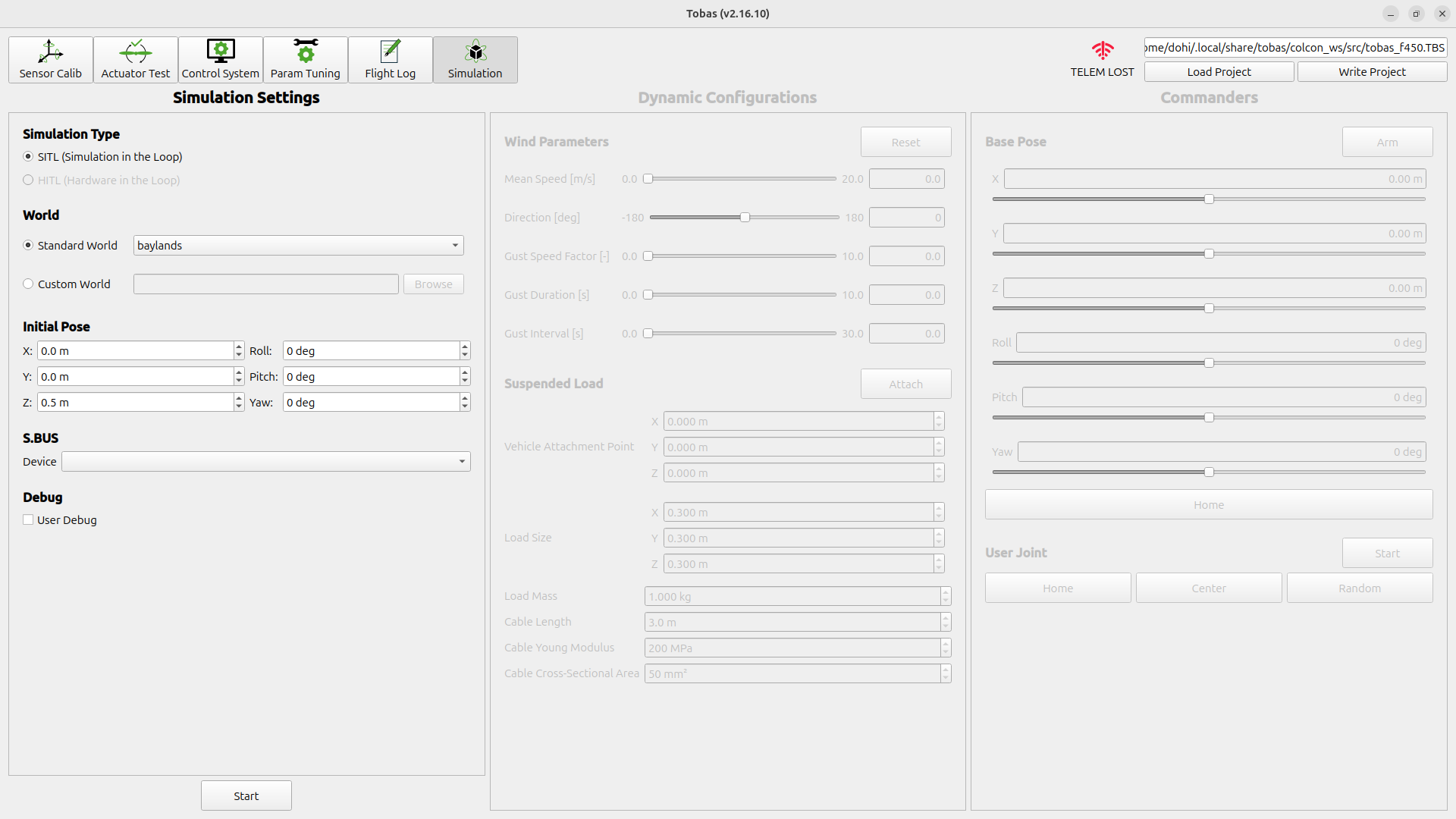
Click Start to build the project and launch the simulation.
The first launch takes longer because environment data needs to be downloaded.
Startup time depends on the complexity of the environment and your network connection, but it usually takes no more than 10 minutes.
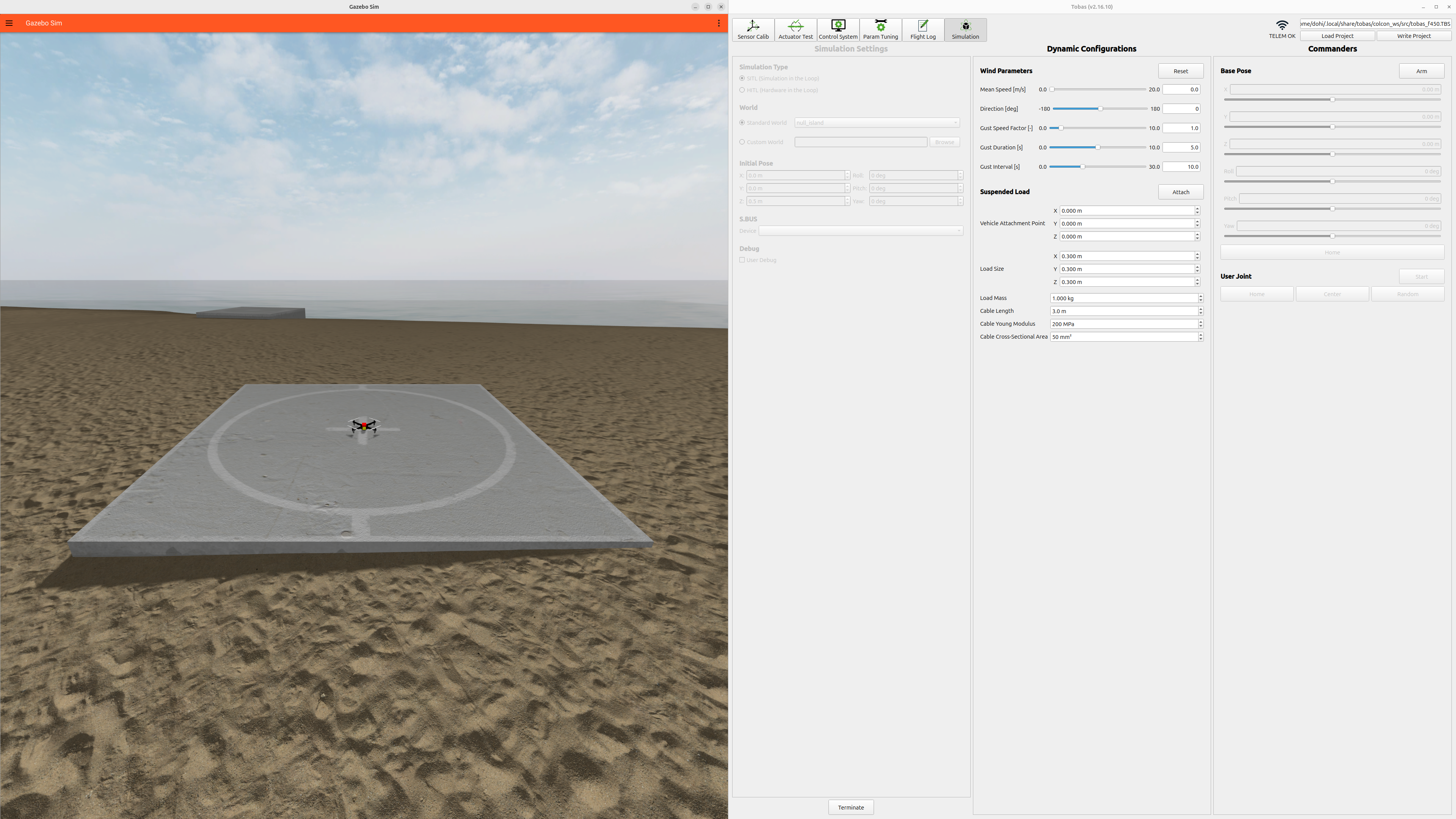
Use Dynamic Configurations to adjust environmental settings such as wind speed, and Commanders to send commands to the aircraft.
You can also use mission planning, parameter tuning, and the other features introduced in Flight Test, just as with real hardware.
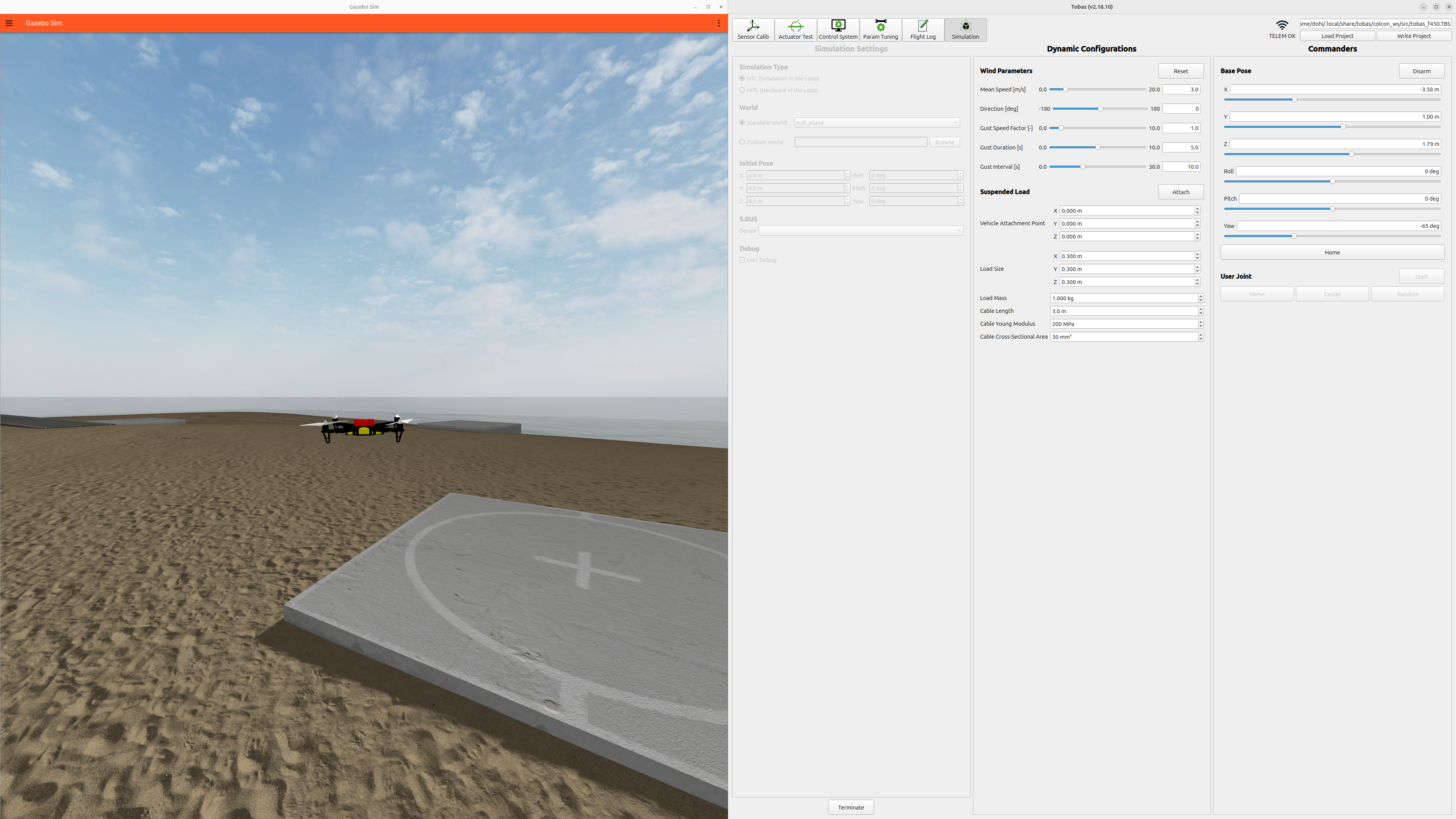
Click Terminate to stop the simulation.
Control with an RC Transmitter
You can control the simulated aircraft with an RC transmitter. The simulation uses the RC calibration results saved on your PC, so complete calibration on that PC before proceeding.
Preparing a USB-to-Serial Module
FTDI FT234X is one example of a suitable USB-to-serial module. Configure the module to invert the signal's high and low levels.
Joining the dialout Group
To access USB serial devices, add your current user to the dialout group with the following command.
$ sudo usermod -aG dialout "${USER}"
Restart your PC after running the command for the change to take effect. You only need to do this once.
Steps for Each Simulation Run
- Connect the USB-to-serial module to your PC and RC receiver.
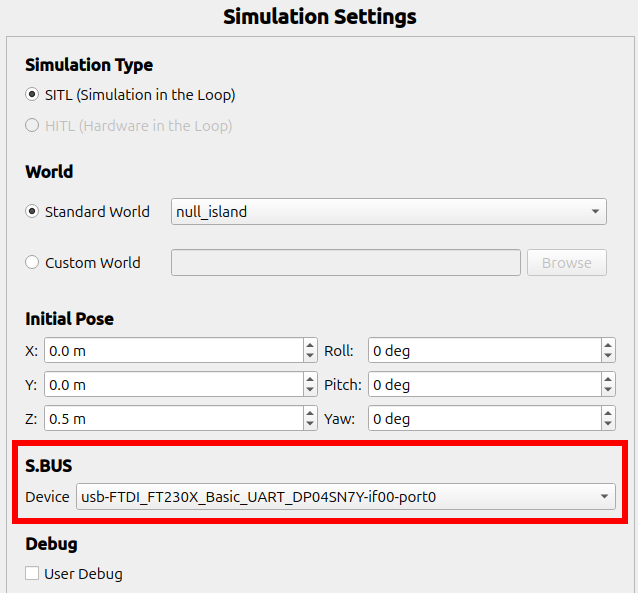
- Select your device in the
S.BUS/Devicefield underSimulation Settings. - Start the simulation. If transmitter signals appear in
Control System, setup is successful and you can control the aircraft just as you would with real hardware.
Control via ROS
All communication between the flight controller's components uses ROS, so you can control the aircraft from your own programs. See User Code (Python) and User Code (C++) for details.